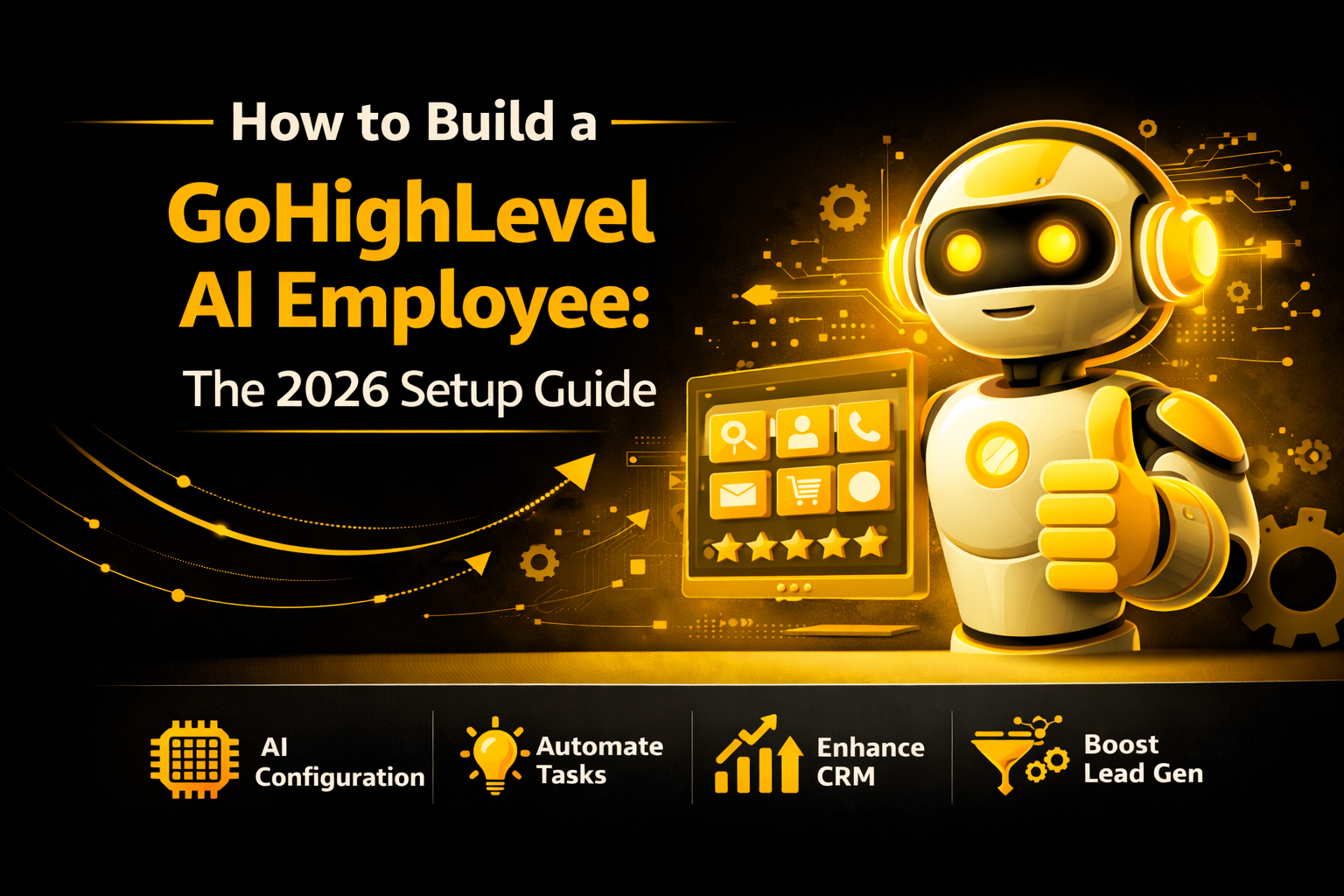
How to Build a GoHighLevel AI Employee: The 2026 Setup Guide

Imagine having a staff member who never sleeps. This person answers every text, books every meeting, and never asks for a day off.
In 2026, you don’t need to hire a human for this. You can build an AI Employee right inside GoHighLevel.
This guide will show you how to set up your AI assistant in simple steps. We will cover how it talks, how it listens, and how it makes you money.
What is a GoHighLevel AI Employee?
An AI Employee is not just a basic chatbot. It is a smart system that uses Conversation AI and Voice AI.
It lives inside your CRM. It can “read” your previous chats to understand what your customers want. It doesn’t just give canned answers; it has real conversations.
What can your AI Employee do?
Read this: How to Merge Contacts in GHL? 3 Simple Steps + Deduplication
Training Your AI (The Brains)
Before your AI can talk to customers, it needs to learn about your business. This is called Bot Training.
Setting Up “Auto-Pilot” Mode
HighLevel gives you three ways to use the AI. Most people want the third option.
| Mode | How it Works | Best For… |
| Off | The AI does nothing. | Testing your settings. |
| Suggestive | The AI writes a reply, but you must click “Send.” | Beginners who are nervous. |
| Auto-Pilot | The AI talks directly to the customer 24/7. | Scaling your business fast. |
Using Voice AI for Phone Calls
In 2026, HighLevel’s Voice AI is a game changer. If you miss a call, the AI can pick up the phone for you.
How to turn on Voice AI:
Connecting the AI to Workflows
A “Workflow” is a set of instructions. You can use the Conversation AI Action inside any workflow.
For example, you can build a workflow that says:
This makes your automation feel like a real human is reaching out.
Read this: HighLevel Mailgun Integration Setup: No More Spamming!
Why Use AI Instead of a Human Assistant?
Many business owners worry that AI sounds robotic. In 2026, the technology is so good that most people can’t tell the difference.
The Benefits:
Tips for a Successful AI Employee
To make sure your customers have a great experience, follow these three rules:
Frequently Asked Questions (FAQ)
Does the AI work on WhatsApp?
Yes. In 2026, HighLevel AI works on SMS, Facebook, Instagram, and WhatsApp.
How much does the AI cost?
HighLevel uses a “pay-as-you-go” model for AI credits, or you can get unlimited AI on certain Pro plans.
Is it hard to set up?
If you have your website ready, a basic setup takes about 15 minutes. Advanced Voice AI might take an hour.
Can the AI speak different languages?
Yes. You can set your AI to speak Spanish, French, and many other languages to help more customers.
Final Thoughts: The Future is Here
Building an AI Employee is the best way to stay ahead of your competition. While other businesses are sleeping, your GoHighLevel AI is working, booking, and selling.
Don’t wait until everyone else is doing it. Start your AI setup today and watch your calendar fill up automatically.